About hp printer
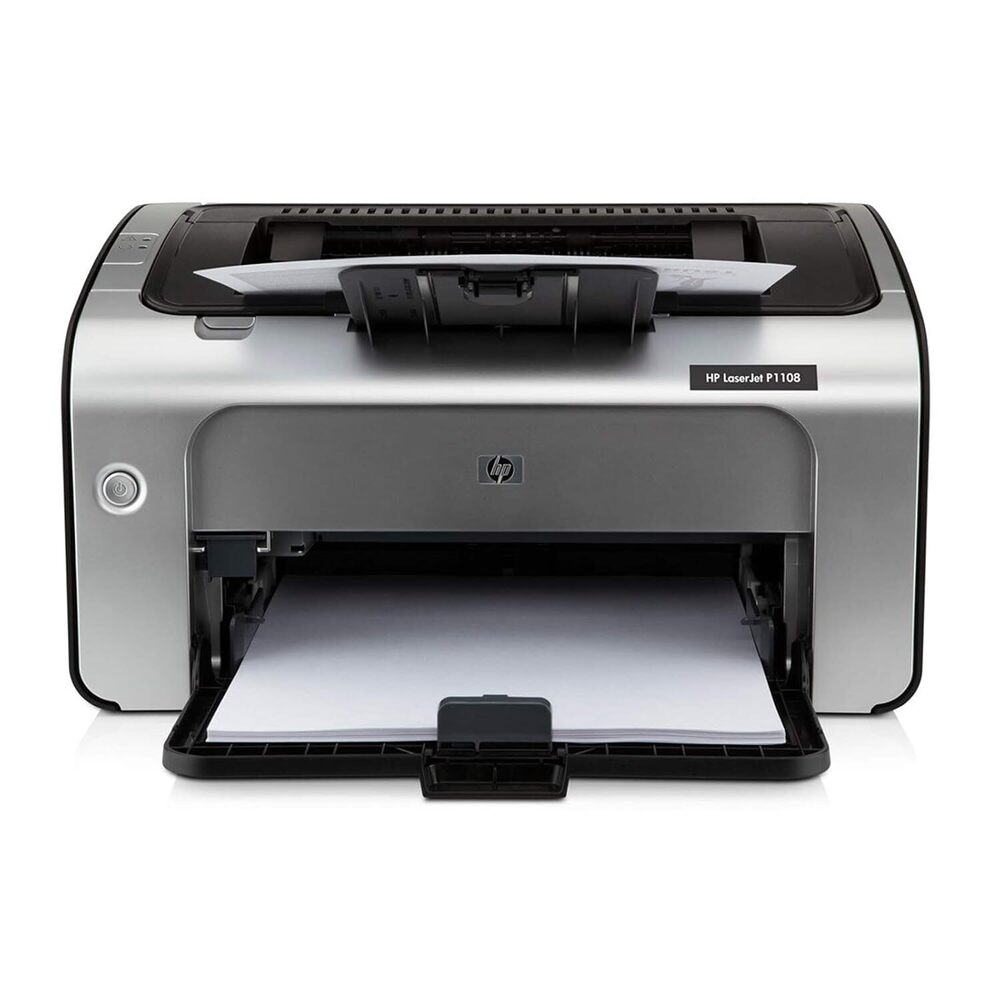
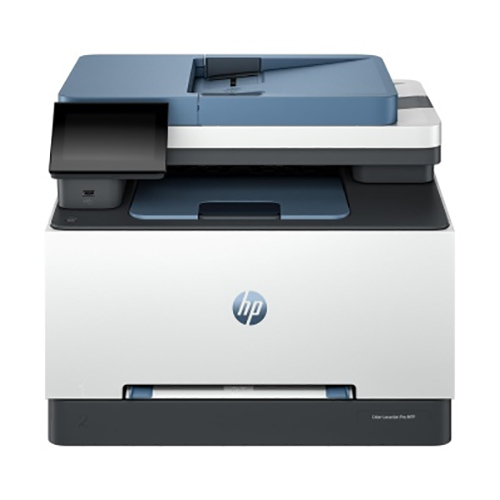
HP Laserjet Pro P1108 Printer Single Function Print HiSpeed USB 20 Up to 18 ppm 150sheet Input Tray 100sheet Output Tray 5000page Duty Cycle 1Year Warranty Black and White hp printer 1108 model no
printer features print function for versatile printing Print clear monochrome documents ensuring that your documents always look polished and impressiveAchieve smooth connectivity with HiSpeed USB 20 which guarantees troublefree connection uninterrupted printing and lets you print without worries
Quality prints Elevate your experience with the included HP 88A Black LaserJet Toner Cartridge ensuring every print is sharp and precise with up to 1500page yield ISO standards
Warranty and support Get 1year unit exchange warranty and print with ultimate peace of mind Reach out to our 12x7 voice support or 24x7 chat support for quick assistance
Fast printingmBoost your productivity with swift printing speeds up to 18 ppm and a first page out in as fast as 85 seconds Also accomplish faster job completion with InstantOn technology
Input and outputmEnjoy compatibility for standard media sizes A4 A5 A6 B5 postcards and various envelope sizes with up to 150sheet input and 100sheet output capacity
Easytouse interfaceManage your tasks conveniently with 2 LED indicator lights Attention Ready and userfriendly control panel buttons that let you navigate smoothly
Fast Performance for Demanding TasksThis HP monochrome laser printer minimizes wait times with a swift warm-up of fewer than 10 seconds and delivers the first black page in just 8.5 seconds. The print speed reaches up to 14 pages per minute, helping you keep up with busy work environments without compromising on quality or productivity.
Versatile Media Handling and CompatibilitySupporting a range of media types-including plain paper, envelopes, cardstock, and labels-this printer provides versatility for various document needs. It works seamlessly with leading operating systems such as Windows, Mac OS, and Linux, making integration into existing setups straightforward and hassle-free.
Compact, Reliable, and Energy EfficientBoasting a sturdy ABS plastic build, this compact printer fits comfortably on desks while supporting workloads of up to 5,000 pages monthly. With Energy Star certification, standby power consumption as low as 2W, and low noise operation, it suits both quiet home offices and bustling commercial spaces efficiently.
FAQ's of hp printer:
Q: How do I set up the HP laser printer for the first time?
A: To install the printer, place it on a stable desk, connect the power cable to an available 110-240V AC outlet, insert the HP 12A Black Toner Cartridge, and connect via USB 2.0 to your computer. Download and install the appropriate drivers for Windows, Mac OS, or Linux from HP's website. Follow on-screen setup instructions to complete the installation.
Q: What media types and paper sizes can the printer handle?
A: This HP printer supports various media types including plain paper, envelopes, cardstock, and labels. The maximum supported paper size is A4, with the input tray accommodating up to 150 sheets and the output tray holding 100 sheets.
Q: When should I replace the toner cartridge in this printer?
A: Replace the HP 12A Black Toner Cartridge when you notice faded prints or receive a low toner warning from the printer software. Using genuine HP cartridges ensures optimal print quality and consistent performance.
Q: Where can I use this HP printer effectively?
A: Designed for versatile environments, the printer is ideal for office, home, or commercial use. Thanks to its compact design and low noise level (below 50 dB), it integrates well into both individual and shared workspace settings.
Q: What is the process for clearing paper jams?
A: In the event of a paper jam, gently open the main compartment and carefully remove the jammed paper without tearing it. Check both the input and output trays for stuck sheets. After clearing, ensure all covers are securely closed before resuming printing.
Q: How does this printer benefit my office or business?
A: The printer's quick warm-up, fast print speed, and energy efficiency help maximize productivity while reducing downtime. With a robust monthly duty cycle and multi-OS compatibility, it reliably handles high-volume printing tasks, offering a cost-effective solution for document management.






 Send Inquiry


 Send Inquiry
 Send Inquiry
 Send SMS